AI Bangs Filter
Try on bangs on your photo before you cut them. Best for trying the look before the salon. Free, no sign-up, no watermark.
How the AI bangs filter works
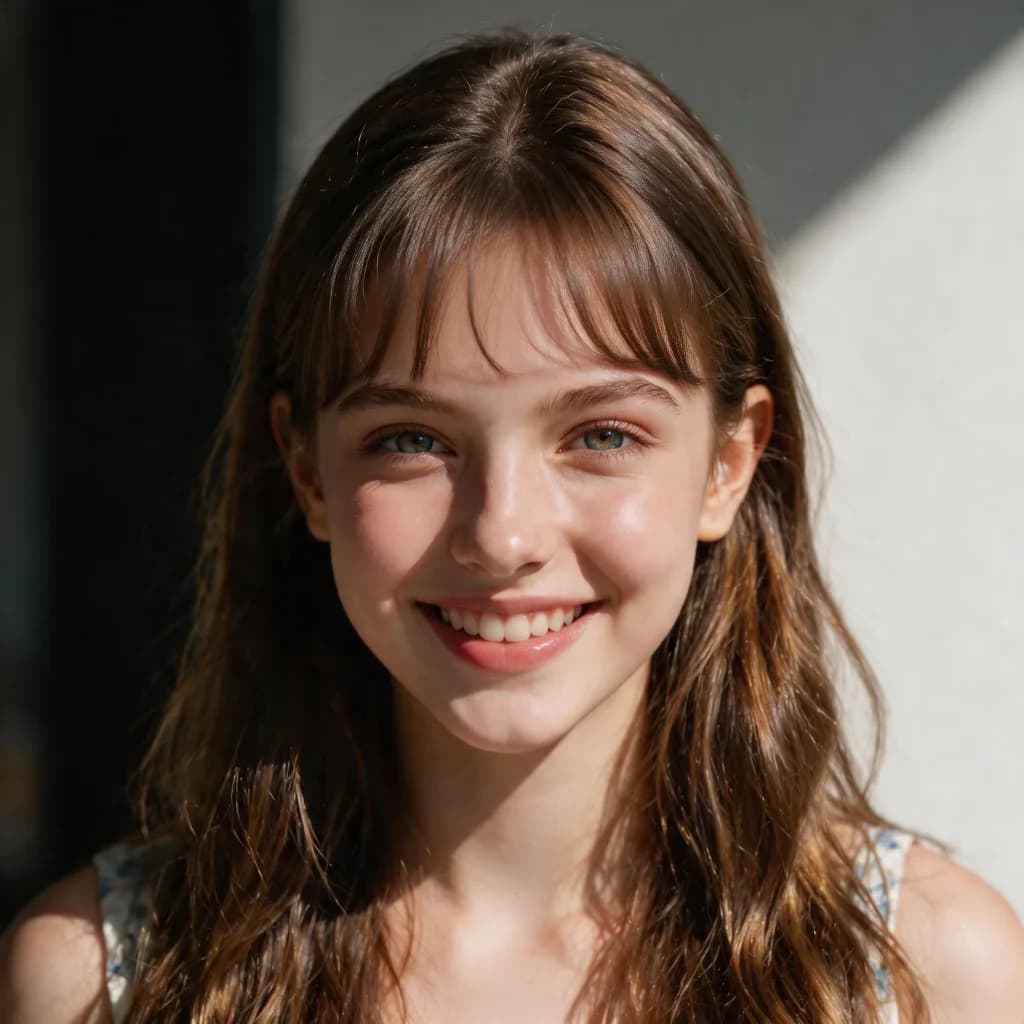
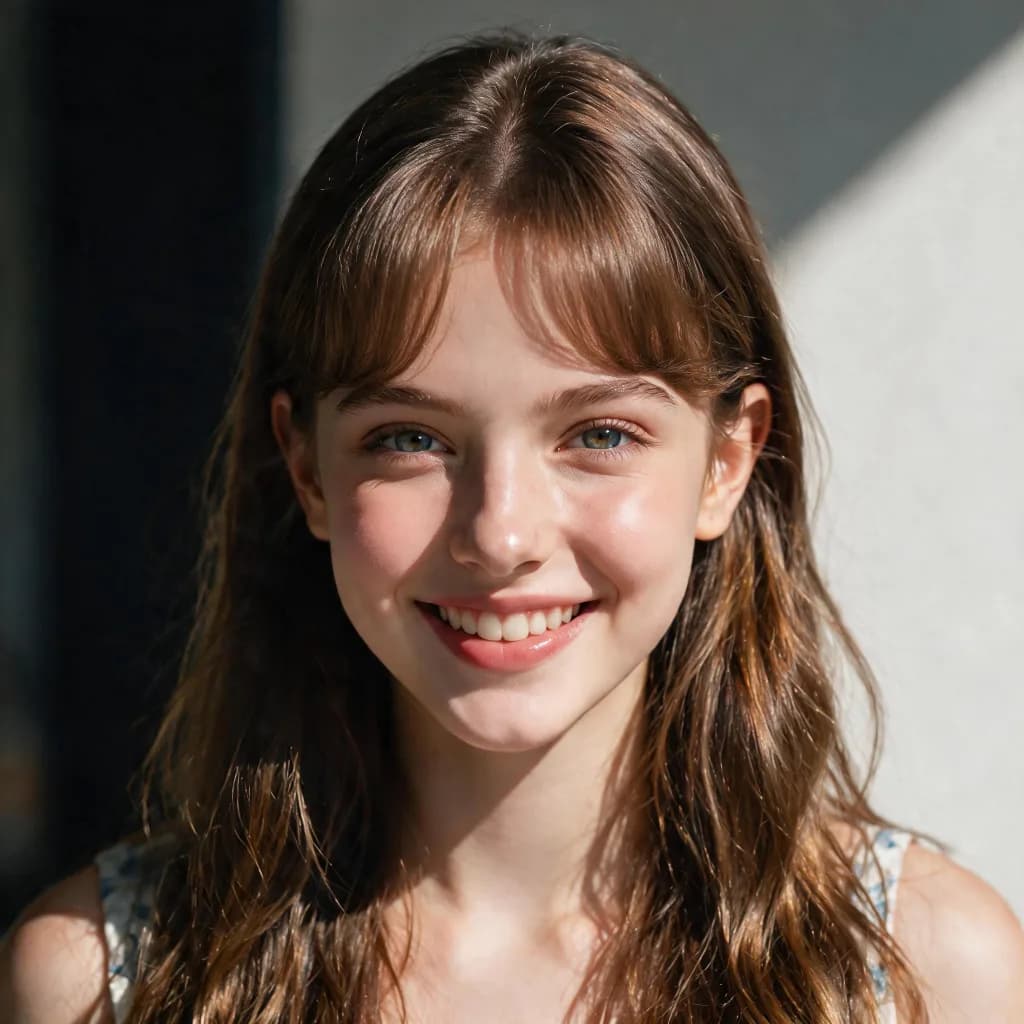
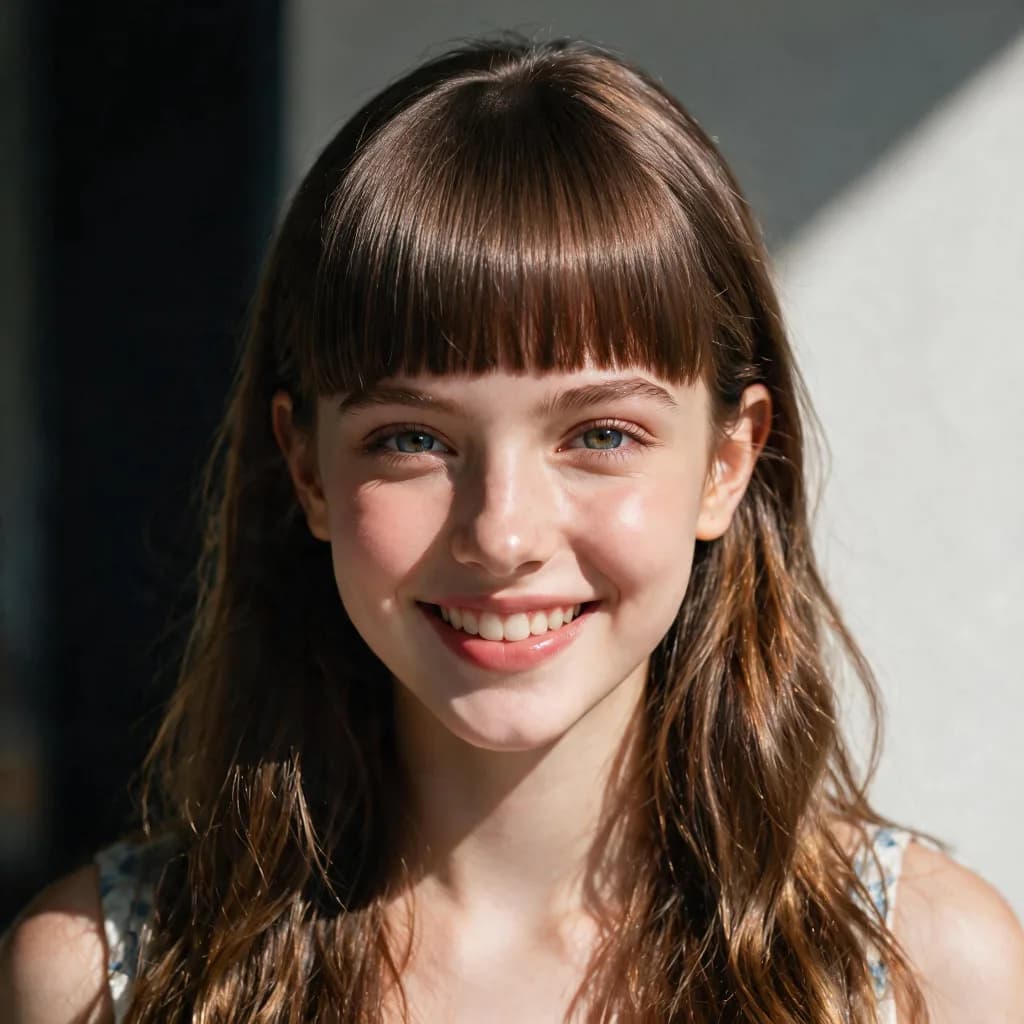
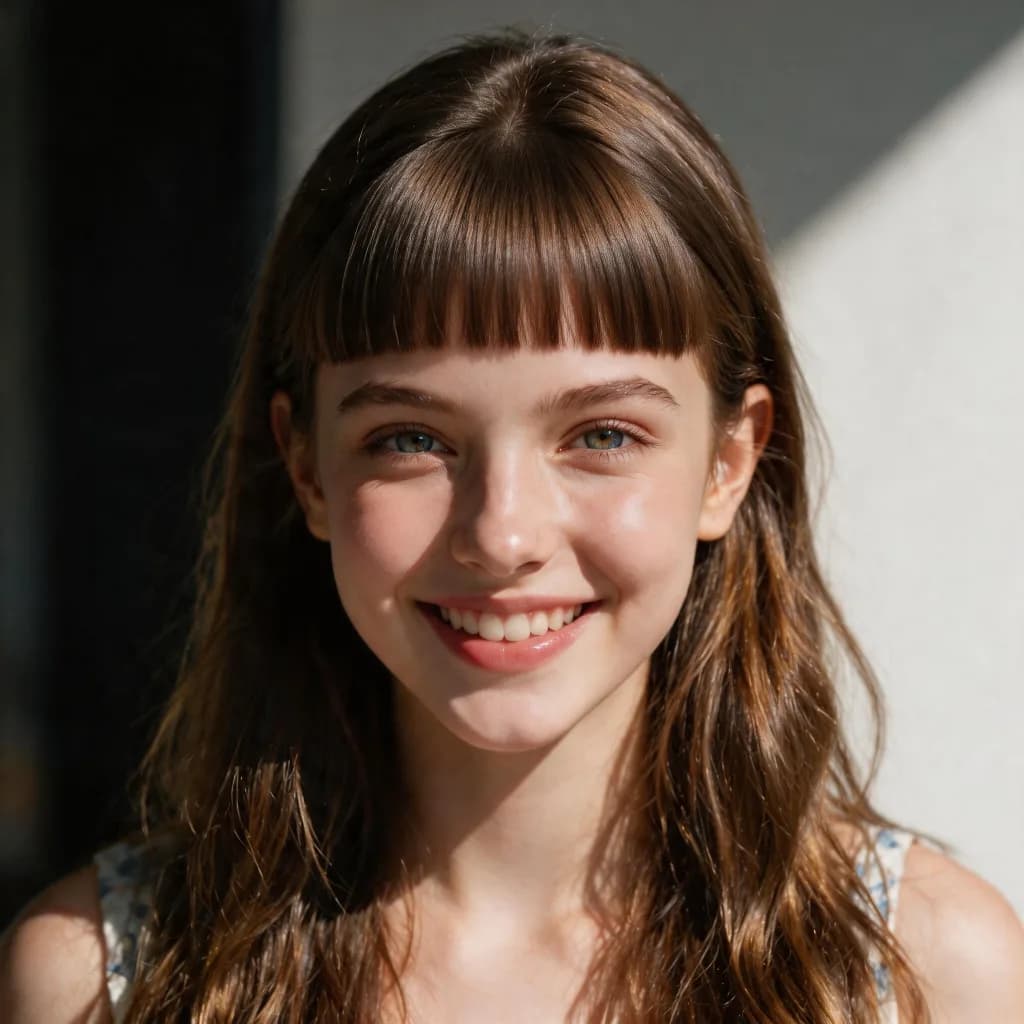
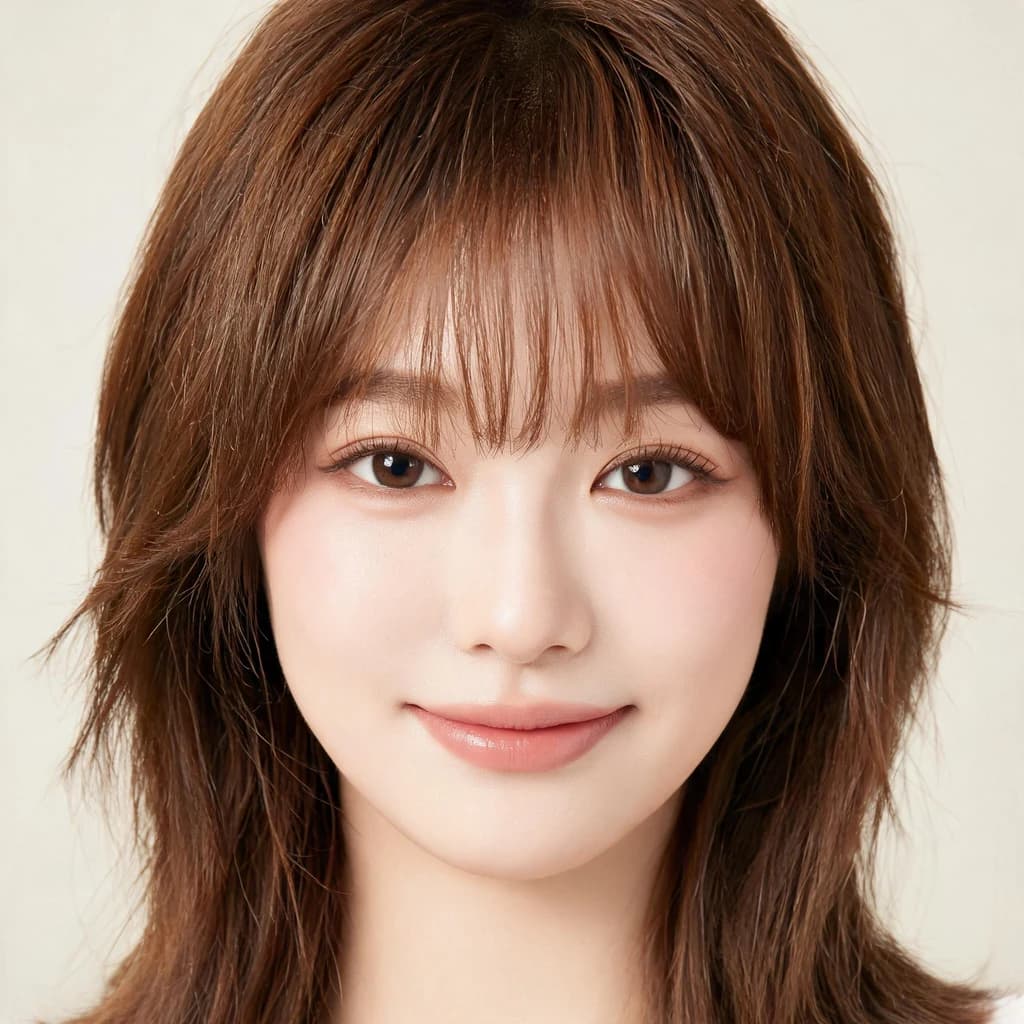
Bangs are one of the most common hair changes you can make, and one of the easiest to get wrong. This free AI bangs filter shows you exactly what you would look like with bangs before you cut them — no scissors required. Upload a selfie, and in seconds the AI adds natural bangs that match your hair texture, color, and hairline, while keeping your face, expression, skin tone, and background completely unchanged.
Deciding whether to get bangs is hard because the look depends on your face shape, forehead, and current hairstyle — things you simply cannot judge from photos of other people. This bangs filter answers the question every hesitant person asks: what would I look like with bangs — on your own photo, not a stranger's. Try a full blunt fringe, a soft parted curtain look, or a choppy textured fringe and see which one flatters you most.
Unlike face-swap or hairstyle apps that paste a generic template over your head, the AI truly understands your photo. It follows your actual hairline and head shape, blends the new bangs into your existing hair color and texture, and leaves your facial features untouched — so the result looks like it grew there instead of being pasted on. The preview is a realistic guide, not a cartoon.
This filter works best with a clear, front-facing selfie where your whole face and hairline are visible. Avoid heavy hats, strong backlight, or hair covering the forehead — the more the AI can see, the more accurate your bangs preview will be.
Many people use the result as a consultation tool: save your bangs preview and show it to your stylist before you book an appointment. Others use it just for fun — it is a popular way to preview a bold change, prank a group chat, or settle a dare without touching a single strand of hair.
Searching for a bangs filter online usually means sorting through app-store downloads, watermarked previews, and tools that quietly upload your face to a server. This bangs filter runs entirely in your browser: there is nothing to install, no account to create, and no watermark on the result. Open the page, drop in a photo, and you have a realistic bangs preview before a single strand of hair has been touched — the fastest path from wondering to knowing. And if you arrived here by searching for a bangs app, you are still in the right place: this page works exactly like one — try on, preview, download — while taking up zero megabytes on your phone.
The right bangs style depends on your face shape, and the filter makes comparison effortless. Oval faces can carry almost any fringe; round faces usually look best with a longer curtain bang that adds angles; square faces are flattered by soft, wispy or side-swept bangs; heart-shaped faces balance well with a brow-skimming blunt or textured fringe. Instead of reading rules and guessing, try each style on your own photo and let the mirror decide.
Tips for best results
Use a sharp, front-facing selfie with your full forehead and hairline visible for the most realistic bangs preview.
Try several different bangs styles — blunt, curtain, wispy, textured, and parted — plus a few different photos. Slight changes in angle and lighting can shift how bangs frame your face, and your daily free allowance gives you room to experiment.
Every download is a high-resolution, watermark-free JPG you can take straight to your stylist. Photos are processed in memory and never stored, and the free daily allowance resets every day.
Not sure which fringe suits you? Try every bangs style on the same photo and compare side by side — oval, round, square and heart-shaped faces each have a fringe that flatters them most, and your own photo is the fastest way to find yours.
AI Bangs Filter FAQ
Upload a clear selfie and the filter shows you in seconds — your face, your hairline, your lighting, just with natural bangs instead of your current style.
Yes. Free with a generous daily limit, no sign-up required, and downloads have no watermark.
Most likely, yes — bangs flatter more face shapes than people expect. The fastest way to know for sure is to see them on your own face: upload a selfie and preview blunt, curtain, wispy or textured bangs in seconds.
Yes — this page is the lite version. There is nothing to download, nothing to install, and no account: the bangs filter runs right in your browser and weighs zero MB on your phone. Open the page, upload a selfie, and you are done.
Blunt bangs, curtain bangs, wispy bangs, textured bangs, and parted bangs. The AI matches your hair color and texture so the new bangs look naturally grown in.
No. The filter is instructed to keep your face, expression, skin tone, clothing, and background unchanged — only your bangs change.
Open this page in any browser, upload a clear front-facing selfie, and pick a bangs style — blunt, curtain, wispy, textured or parted. Your preview appears in seconds. Nothing to download, no account, and the page works the same on phone and desktop.
The best bangs filter is the one that keeps your face unchanged while blending the new fringe into your real hair color and texture — and that does not watermark or store your photos. That is exactly how this one is built: free daily use, realistic blending along your own hairline, and photos deleted the moment your result is ready.
There is no app to download — this page is the bangs app. It runs entirely in your browser on iPhone, Android and desktop: open it, upload a selfie, try each bangs style, and download the result. Nothing installed, nothing stored on your phone, and the daily free limit resets every day.
Upload a clear front-facing selfie and the AI shows you in seconds, with your own face shape, forehead and hair color. Try blunt, curtain, wispy and textured bangs on the same photo and compare — most people are surprised by which fringe actually flatters them.
No. Your photos are processed in memory and deleted immediately after the result is generated. We never store, sell, or share your images.
Absolutely — that is one of the most popular uses. The watermark-free, high-resolution download is perfect for discussing bangs styles with your stylist before you commit.
Guides for the AI Bangs Filter
- Will I Suit a Fringe? How to Tell Before You Cut
- How Would I Look With Bangs? Try the Bangs Filter Online Free
- What Would I Look Like With Bangs? A Realistic Guide
- Bangs Filter Online: Try AI Bangs on Your Photo Free
- Curtain Bangs Filter: Try Curtain Bangs on Your Photo Free
- Bangs Filter App: Try Bangs on Your Photo Free Online
- Bangs Filter Free: Try AI Bangs Online Without Paying
- How Do I Look With a Fringe? See a Realistic Preview Free