AI Polka Dot Filter
Turn any photo into a playful retro polka dot collage. Best for fashion moodboards, outfit shots & social covers. Free, no sign-up, no watermark.
How the AI polka dot filter works
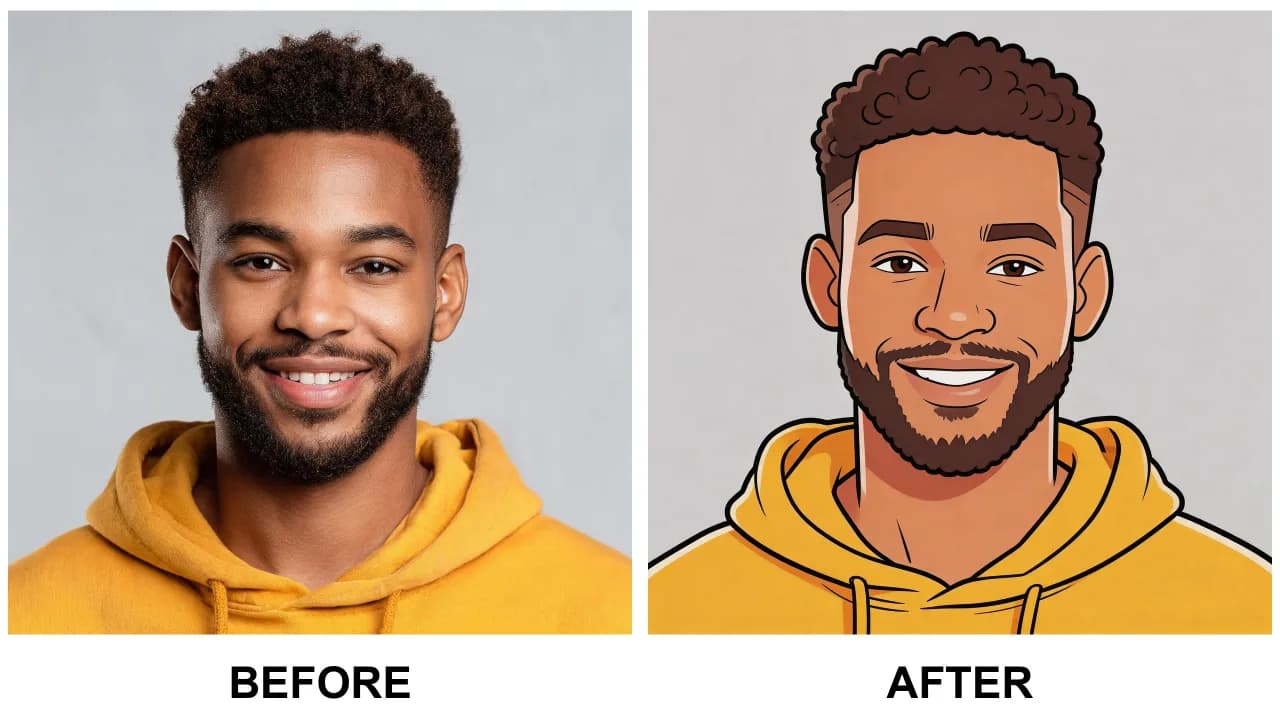
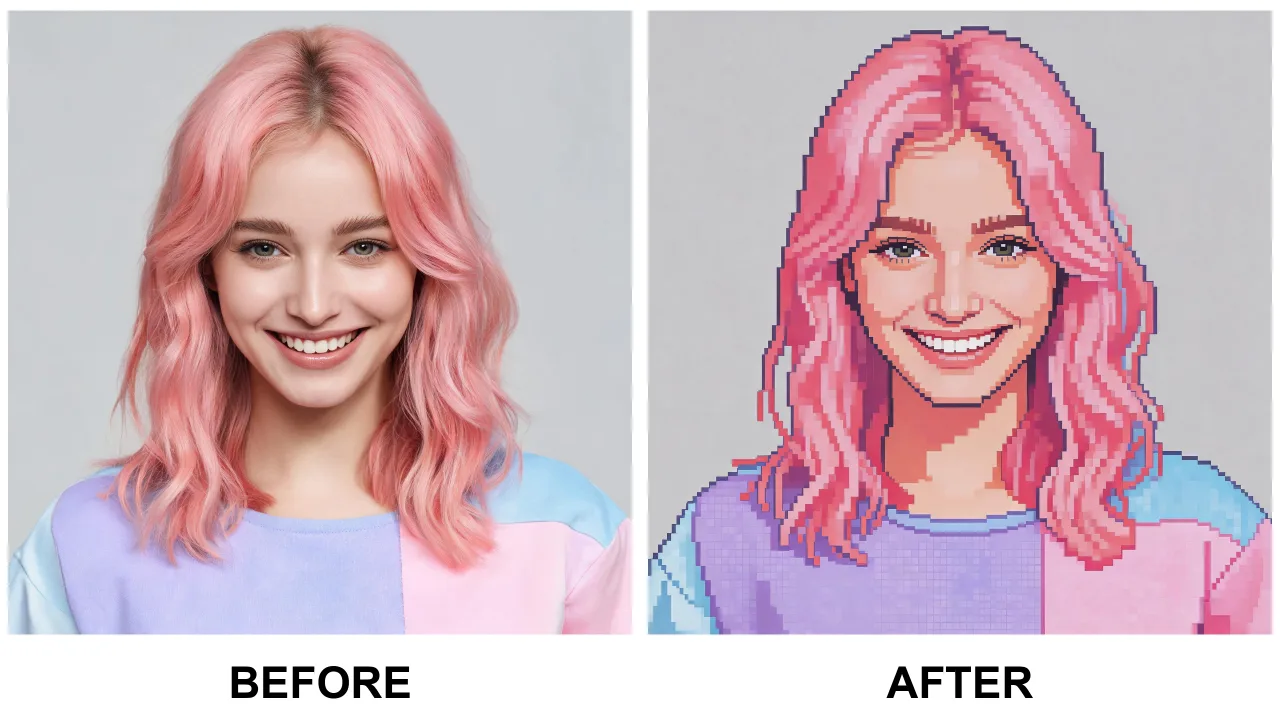
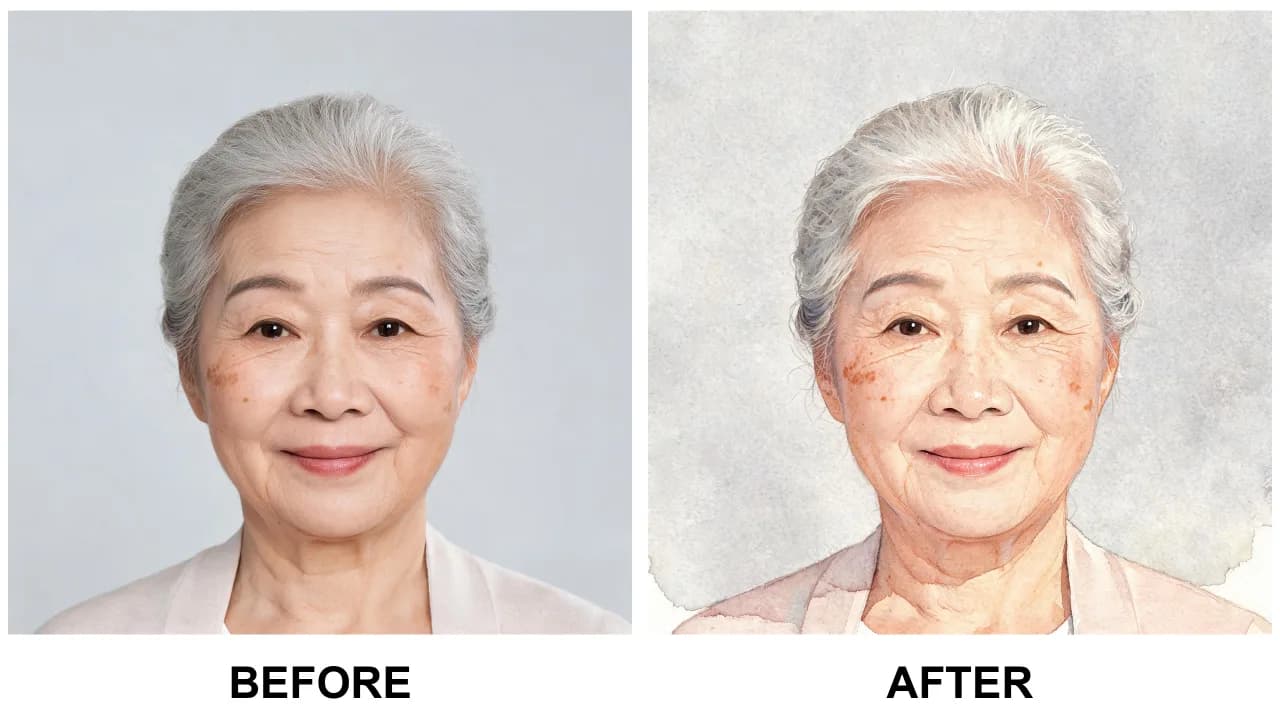
This AI polka dot filter restyles your photo into a playful retro polka dot collage — cheerful dots scattered across the frame in a bold spotty pattern while your subject stays sharp and recognizable. Upload a photo, wait a moment, and in seconds you get a polka dot photo effect that looks hand-styled for a scrapbook, moodboard, or fashion poster.
The polka dot filter keeps your identity, pose, and composition intact. The AI is instructed to change only the style, layering polka dot patterns, coated colors, and a lively retro texture over the scene without touching your subject or its structure.
Polka dots are having a big moment — they are one of the most-loved patterns across fashion, interiors, and collaborative photo prints. This filter lets you join the trend in one click, converting an ordinary snapshot into a spotty artwork that stands out in any feed.
The polka dot filter works beautifully on portraits, outfit photos, flat lays, and product shots. Fashion creators use it for moodboards and thumbnails; bloggers use it for cover images; and anyone can turn a selfie into a cheerful polka dot portrait for social media.
Tips for best results
For the crispest polka dot effect, use a photo with a clear subject and a clean background — the dots are most legible against a simple backdrop.
Photos with bold colors translate especially well, since the polka dot filter layers spotty patterns over the original palette rather than replacing it.
Every download is a high-resolution, watermark-free JPG. Photos are processed in memory and never stored, and your daily free allowance resets every day.
AI Polka Dot Filter FAQ
It restyles your photo with playful retro polka dot patterns while keeping your subject's identity, pose, and composition unchanged — a fun, spotty photo effect with one click.
Yes — free with a generous daily limit, no sign-up required, and downloads have no watermark.
Portraits, outfit shots, flat lays, and product photos with a clear subject and simple background give the most polished spotty results.
No. The AI is instructed to preserve your identity, pose, and composition — it only layers the polka dot style over the scene.
Never. Photos are processed in memory and deleted immediately after your result is generated, and we never store, sell, or share your images.
Yes — download the watermark-free JPG and use it anywhere, including for posts, thumbnails, and profile pictures.