AI Cartoon Filter
Cartoon yourself with bold outlines and flat colors. Best for avatars & social media. Free, no sign-up, no watermark.
How the AI cartoon filter works
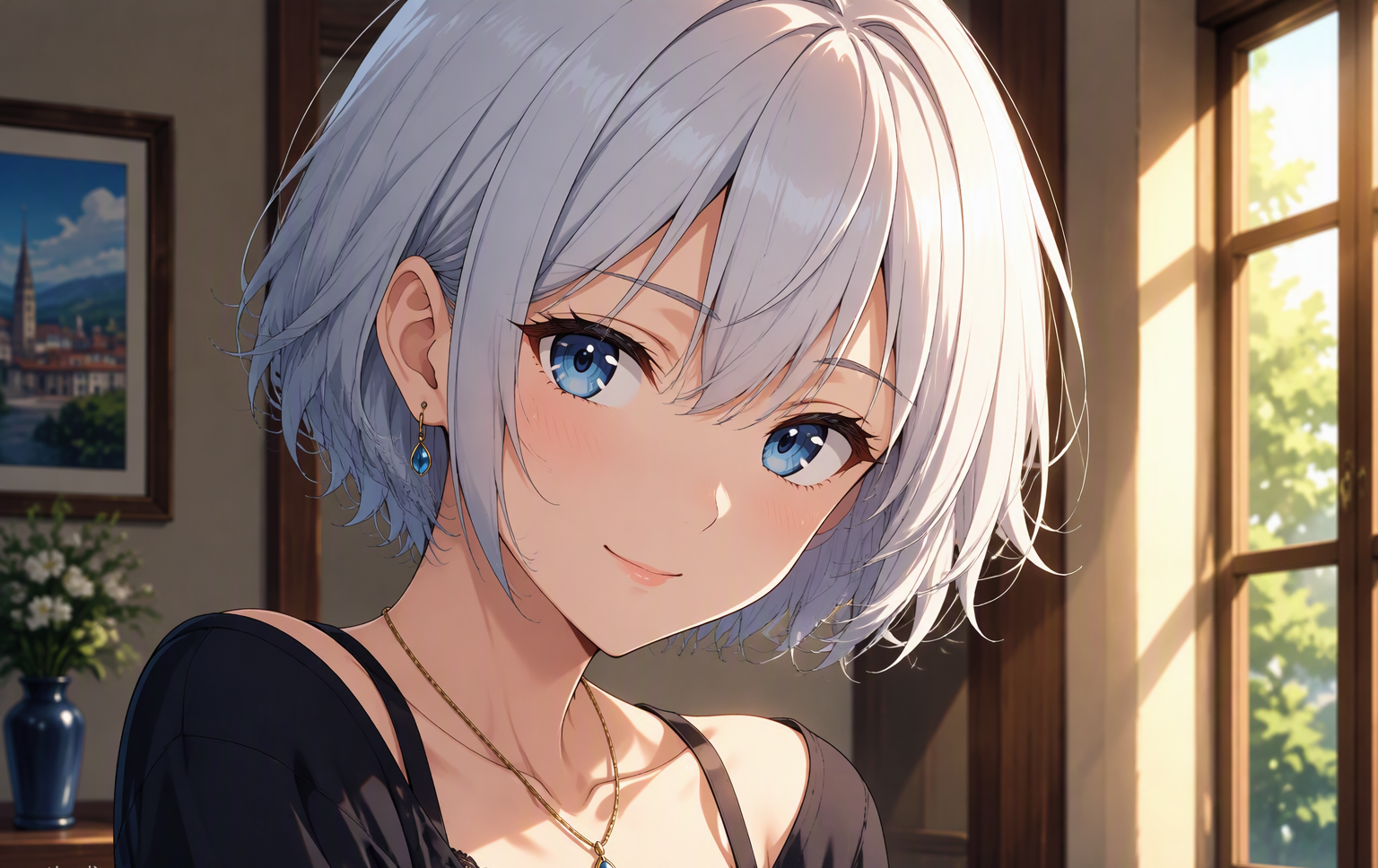
This AI cartoon filter gives your photo the look of Western animation: bold outlines, flattened colors, and simplified shading. If you want to cartoon yourself for an avatar or profile picture, this free cartoon filter is the fastest way — no drawing skills, no app, no sign-up.
Compared with an anime filter, the cartoon filter leans toward exaggerated, playful features rather than painterly detail. Faces become friendlier, colors become punchier, and the whole photo reads like a frame from a Saturday-morning cartoon.
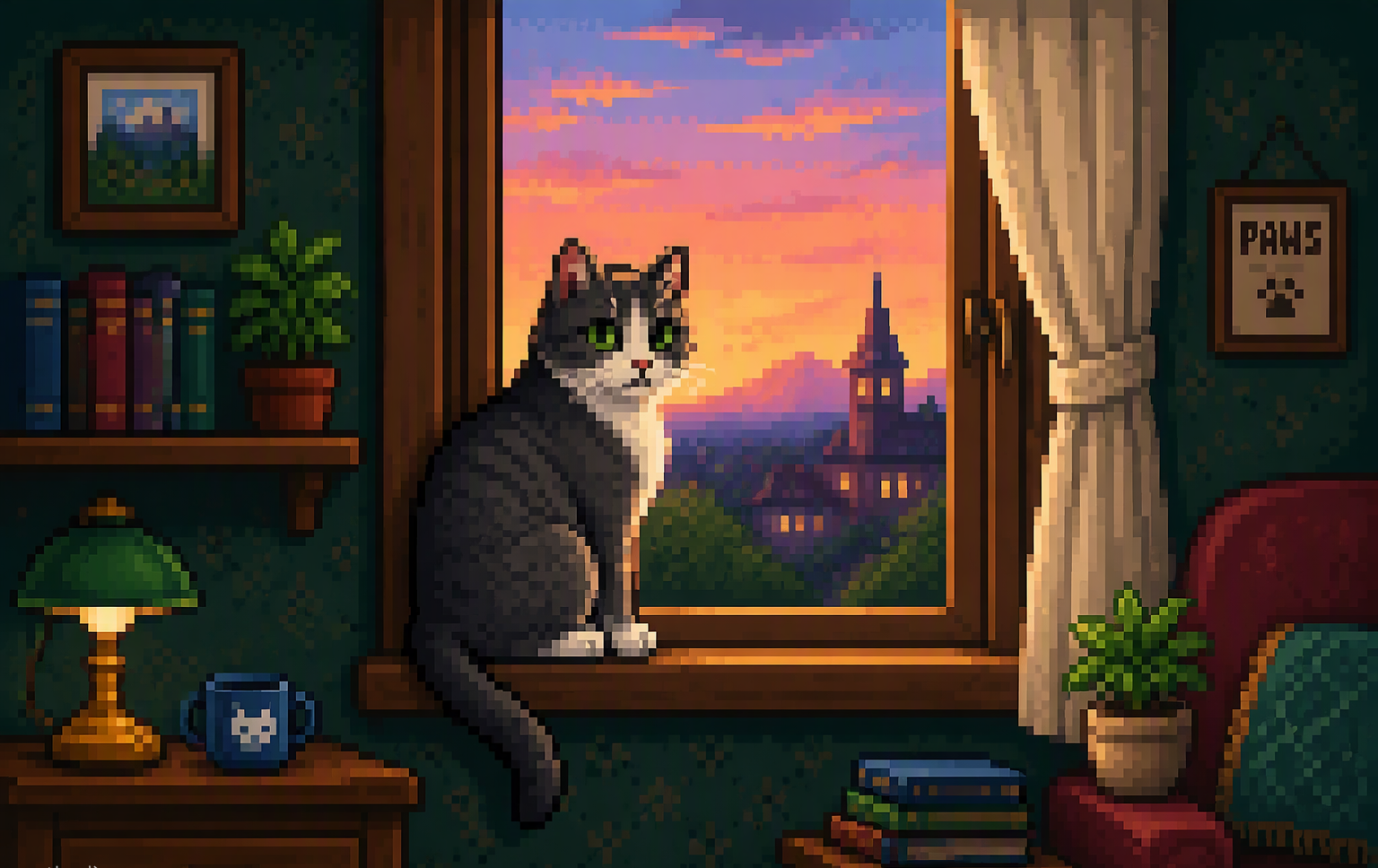
The cartoon filter handles group shots and pet photos especially well, keeping everyone recognizable while giving the entire scene a consistent cartoon finish. It is a popular way to make matching avatars for friends, families, and teams.
To cartoon yourself with the best result, start with a clear, front-facing photo with good lighting. The AI keeps your identity, pose, and composition intact while restyling every texture into clean cartoon shapes.
Because the cartoon filter runs entirely in the browser, there is nothing to install and nothing to sign up for. Many visitors use it as a quick cartoon-yourself maker before posting a new profile picture: upload a selfie, wait a few seconds, and download a watermark-free cartoon portrait ready for any social platform. If you are designing matching avatars for a group chat, a gaming squad, or a family holiday card, running everyone's photo through the same cartoon filter keeps the style consistent across the whole set — something that is hard to achieve when everyone uses a different app.
Tips for best results
Photos with a single clear subject and an uncluttered background produce the boldest, cleanest cartoon conversions.
Pet owners: the cartoon filter is a favorite for turning dog and cat photos into wall-worthy cartoon portraits.
Every download is a high-resolution, watermark-free JPG. Run the cartoon filter more than once if you want to explore slight variations — your daily free allowance covers it.
AI Cartoon Filter FAQ
The cartoon filter uses bold outlines and flat colors in the style of Western animation, while the anime filter mimics Japanese cel shading with finer detail. Try both — they suit different photos.
Yes. The AI cartoon filter is free with a generous daily limit. No account, no credit card, and no watermark on your downloads.
Yes. It works well on pets and group shots, keeping every subject recognizable with a consistent cartoon style across the whole scene.
Yes. The filter is instructed to keep your identity, pose, and composition unchanged — only the artistic style changes.
It is processed in memory and deleted immediately after your result is generated. We never store or share your images.
Yes. Images you create from your own photos are yours, including for avatars, merchandise, and marketing.